Select the property
Work from the same stable Property Identity used by the focused Property Identity experience and wider Atlas.
Define the requirements your organisation tracks, keep evidence attributable, review dates and status, then turn visible gaps into accountable next actions.
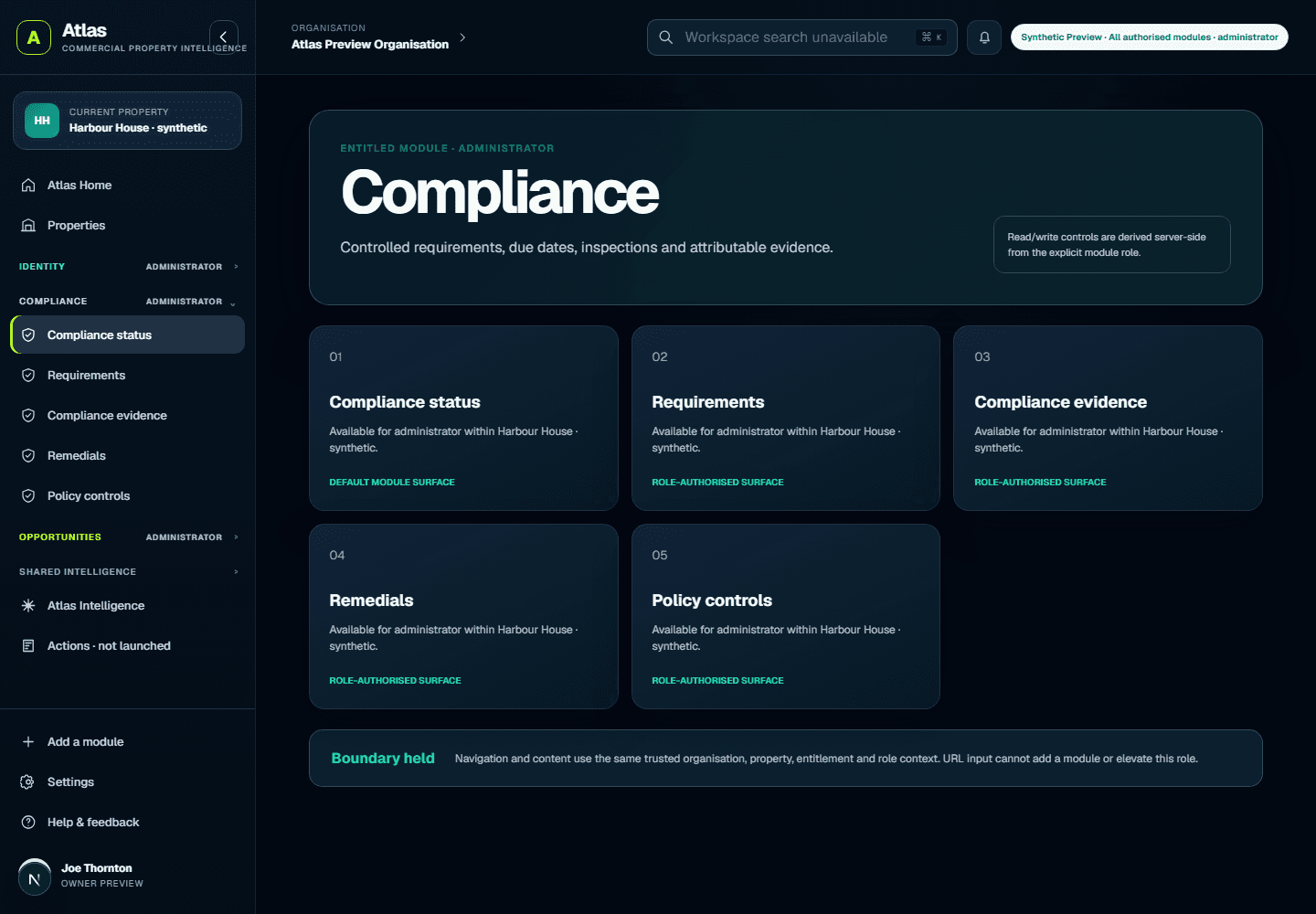
The public demonstration reflects the working Atlas module and uses fictional labels. Access is always checked against identity, organisation membership, property permission and module entitlement.
Work from the same stable Property Identity used by the focused Property Identity experience and wider Atlas.
Record what your organisation has decided to track. The service does not invent or certify legal obligations.
Keep source, status and review context with the record. Arrange secure transfer before sending documents.
See current, due, missing and archived requirements without overwriting the previous version.
Use the visible gap to agree a responsible next step. Nothing is automatically represented as completed.
Both entry points use the same account, organisation boundary, stable property ID, facts, evidence and history. Atlas adds the portfolio, map, intelligence, opportunities and actions context without copying the property authority.
Property Identity
One permanent private property record Free, with selective publication controls.
Property Compliance
A separate entitlement. The current server cap is five active requirement records across the entitled organisation—not five properties or five per property.
Atlas
The wider portfolio and spatial shell, using the same underlying record and authority rules.
Create one permanent private property record. Compliance is not included for new Free organisations.
No card and no automatic charge. Production uploads remain paused until managed storage accounting passes acceptance.Start FreeWhere separately entitled, the organisation can track up to five active requirements in total; archive retains history and frees an active slot.
Assisted activation only. Payment and instant self-service activation are not live.Ask about activationAdd portfolio, spatial, intelligence, Opportunities and Actions only where separately entitled.
The property ID and governed history remain the same.Explore AtlasSign-in establishes identity, then server-side checks decide which organisation, property and Compliance workspace you may open.